Photo guide
Open closed eyes in photos with AI
If someone blinked in the one good photo, you can fix the eye area without rebuilding the whole image.
Overflow AI Updated July 23, 2026
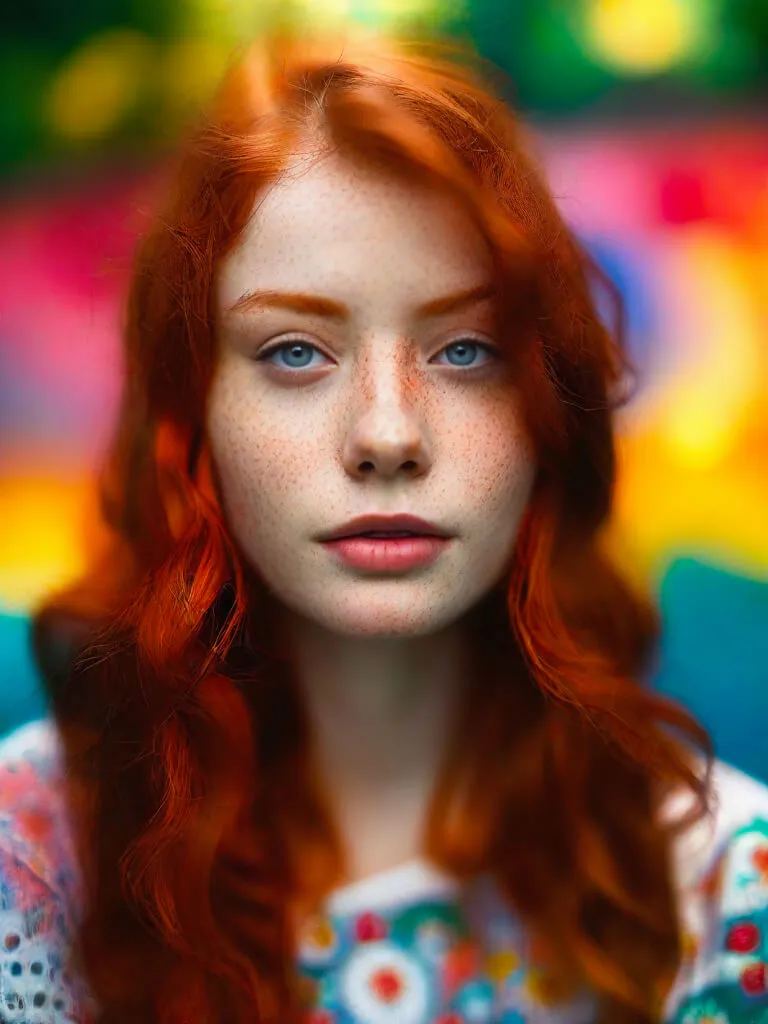
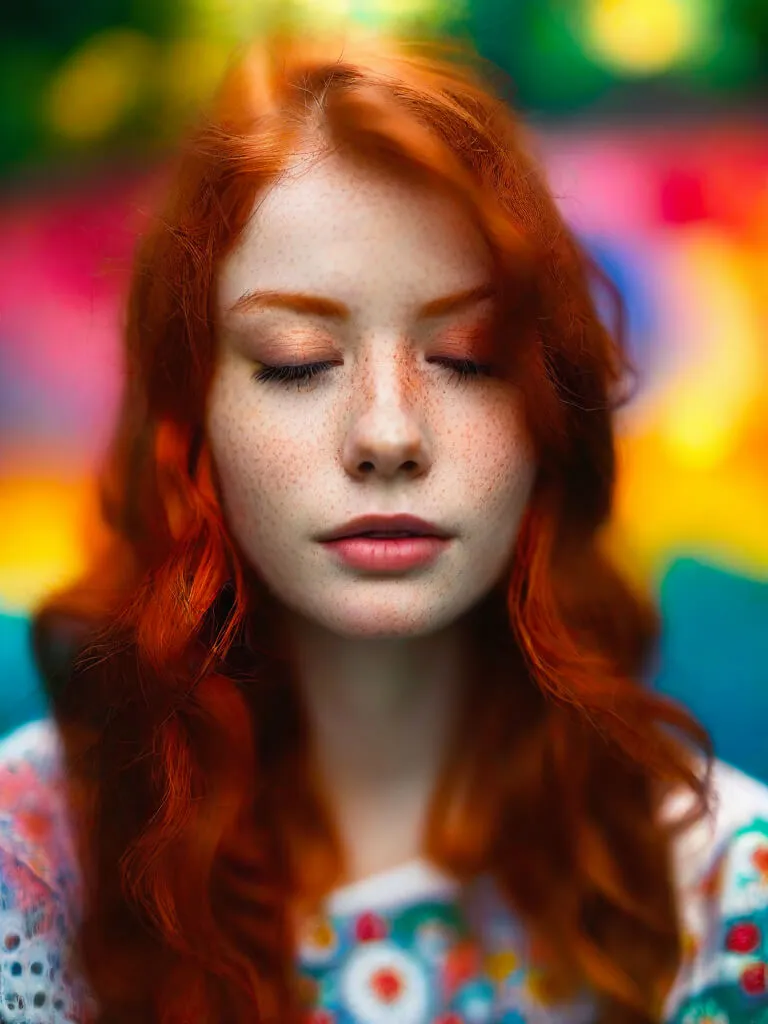
How it works
What the tool changes
Open Eyes reads the face and rebuilds the eye area. It tries to keep the original expression and light. Clear, front-facing portraits give it the best chance.
Open eyes on Enhance.cam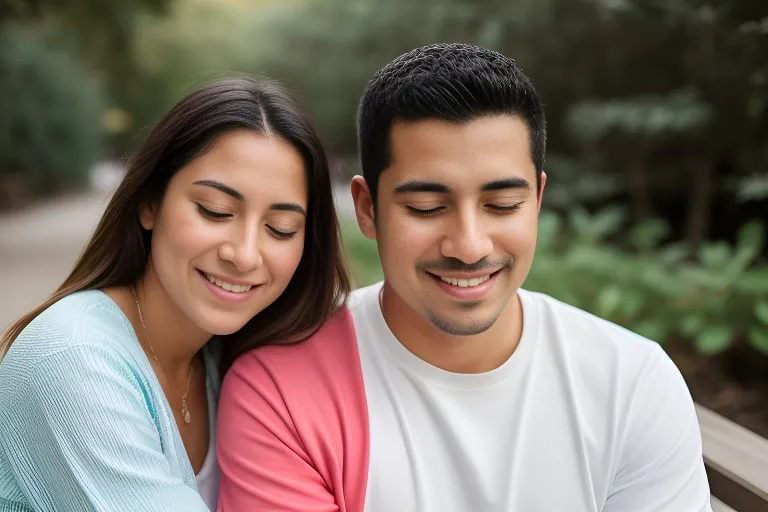
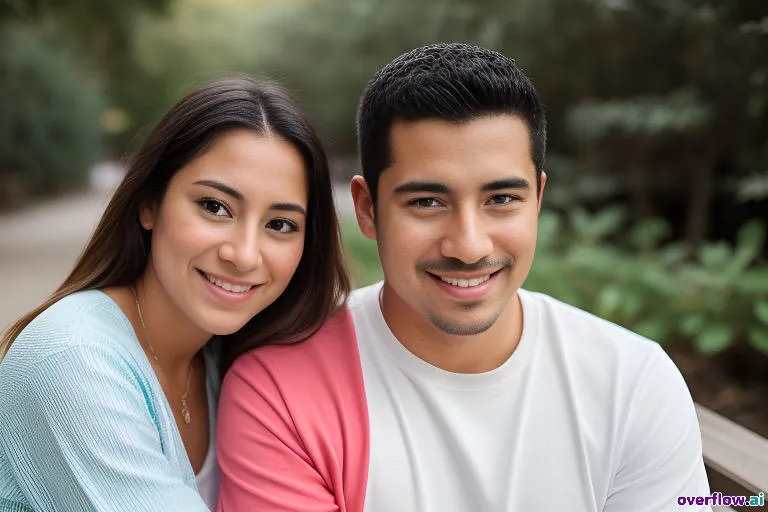
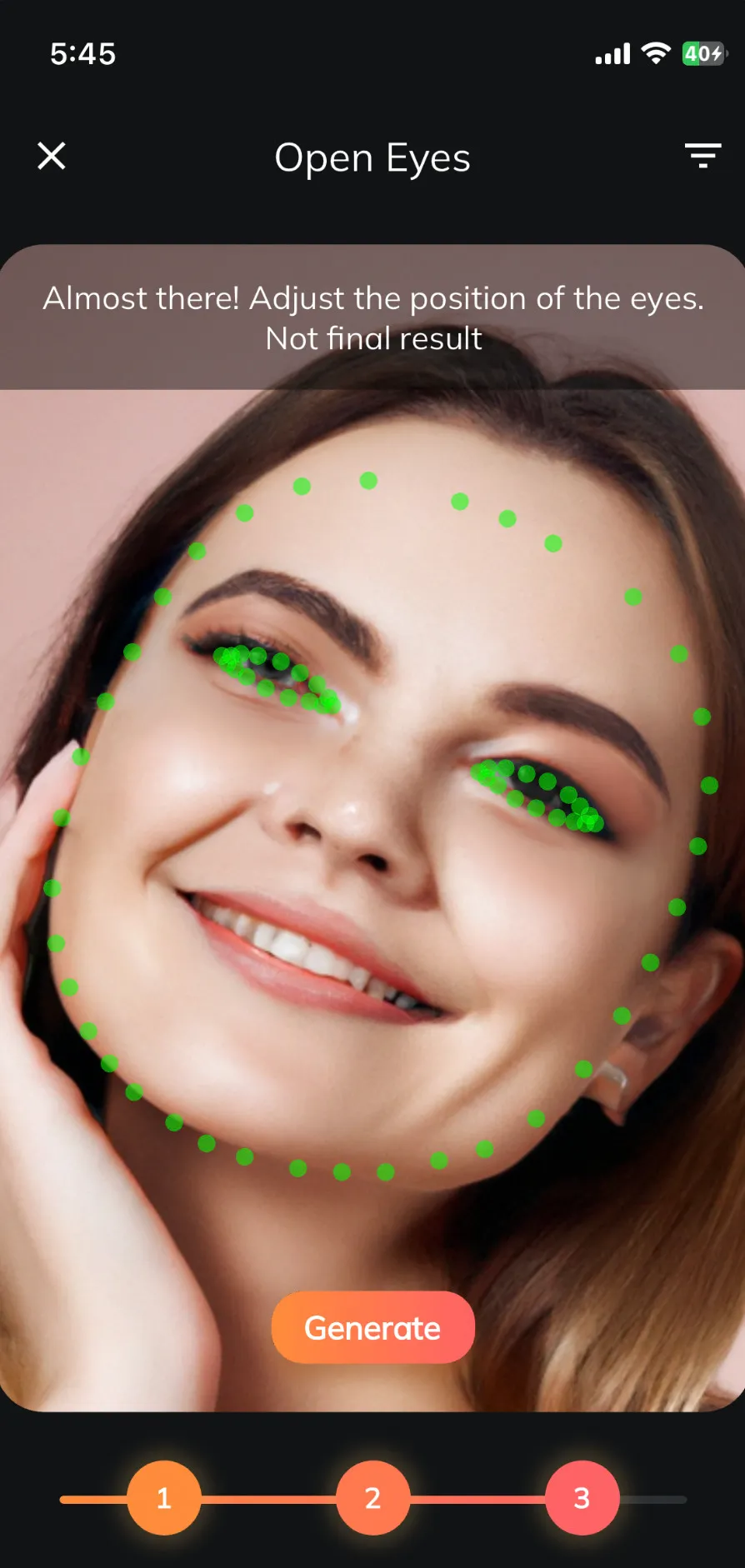
Open Eyes + Enhance.cam
Use it on the web or on your iPhone
Edit a photo directly in your browser with Enhance.cam, or keep the focused Open Eyes experience on your iPhone.
- Fix closed eyes
- Restore old photos
- Improve sharpness and resolution
FAQ
Before uploading a photo
Can AI really open closed eyes?
Yes. The model reconstructs the eye region using the face, pose, and lighting as context. Results depend on photo quality and how visible the face is.
Where do I upload my photo?
The editor now lives on Enhance.cam. Overflow.ai explains the tool and sends you directly to the current version.
What photos work best?
Use a sharp, upright photo where the face is large enough to see. Avoid heavy blur, extreme side angles, or eyes covered by hair or glasses.
Can I still use Open Eyes on iPhone?
Yes. The Open Eyes iOS app is still available. If you prefer to edit in a browser, the web tool now lives on Enhance.cam.
The tool is ready on Enhance.cam.